For learners around N4 and up who can read but can't yet speak
210kdictionary entries
100kwords with pitch accent
739grammar points · N5–N1
0cloud servers · everything runs on your computer
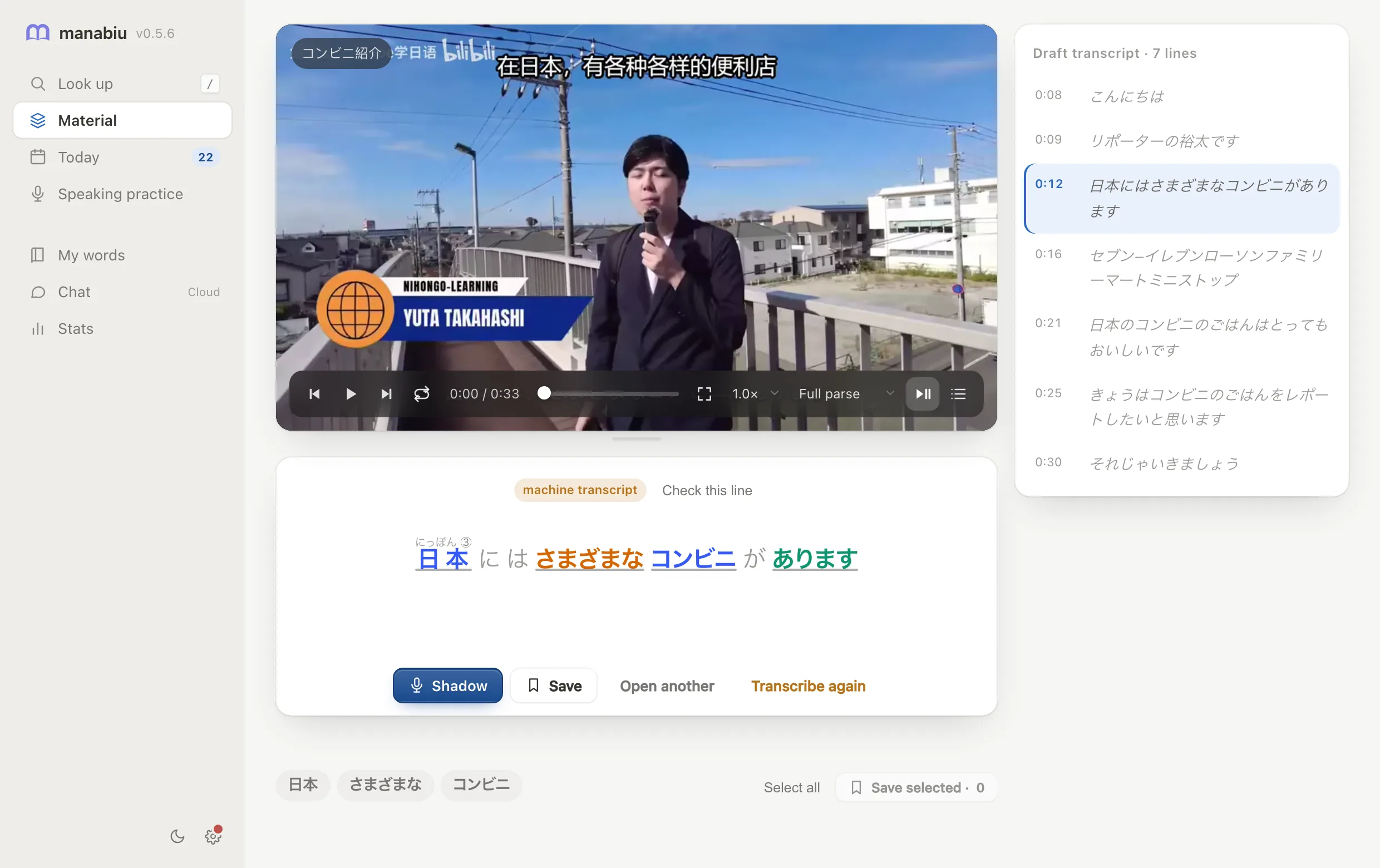
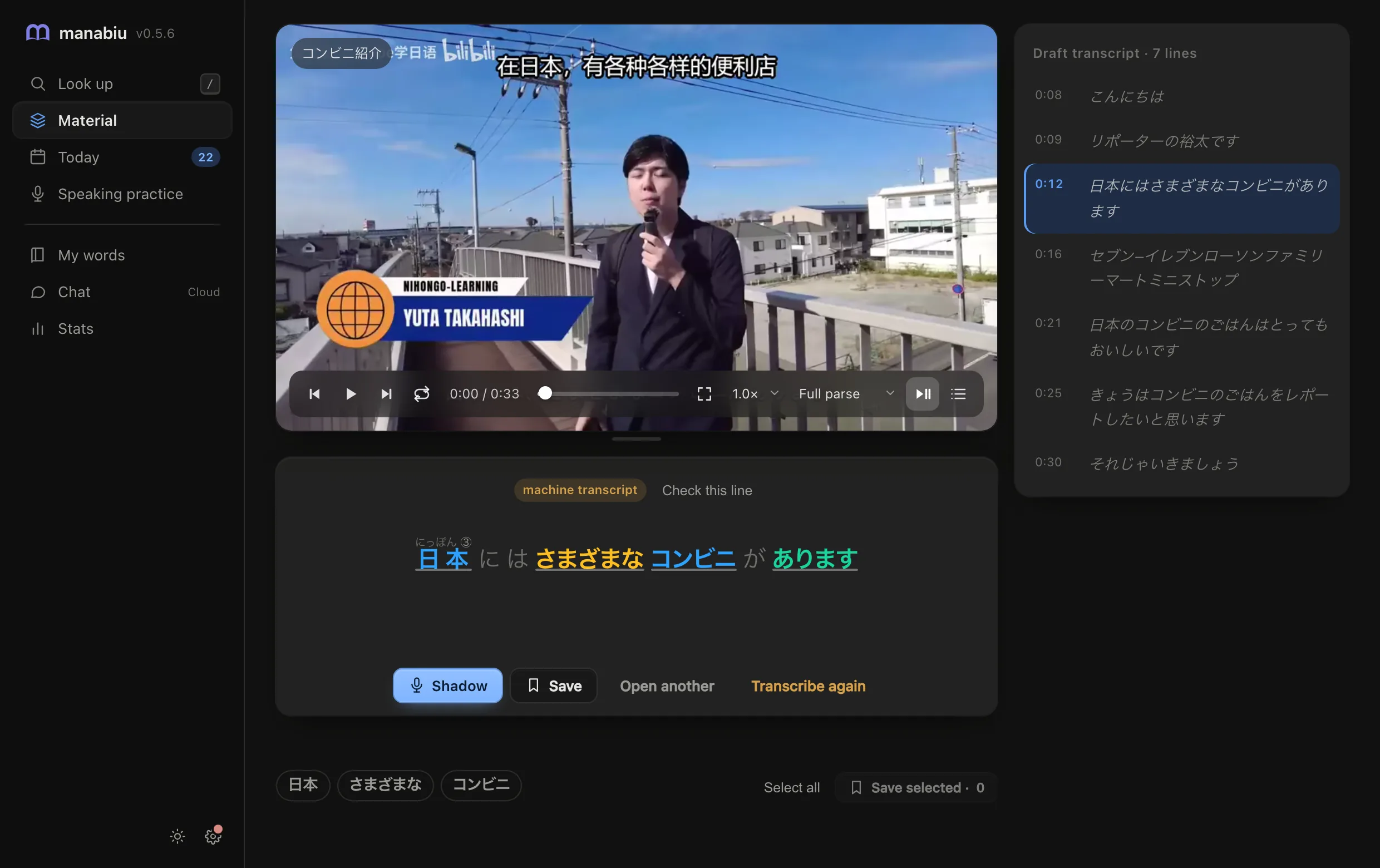
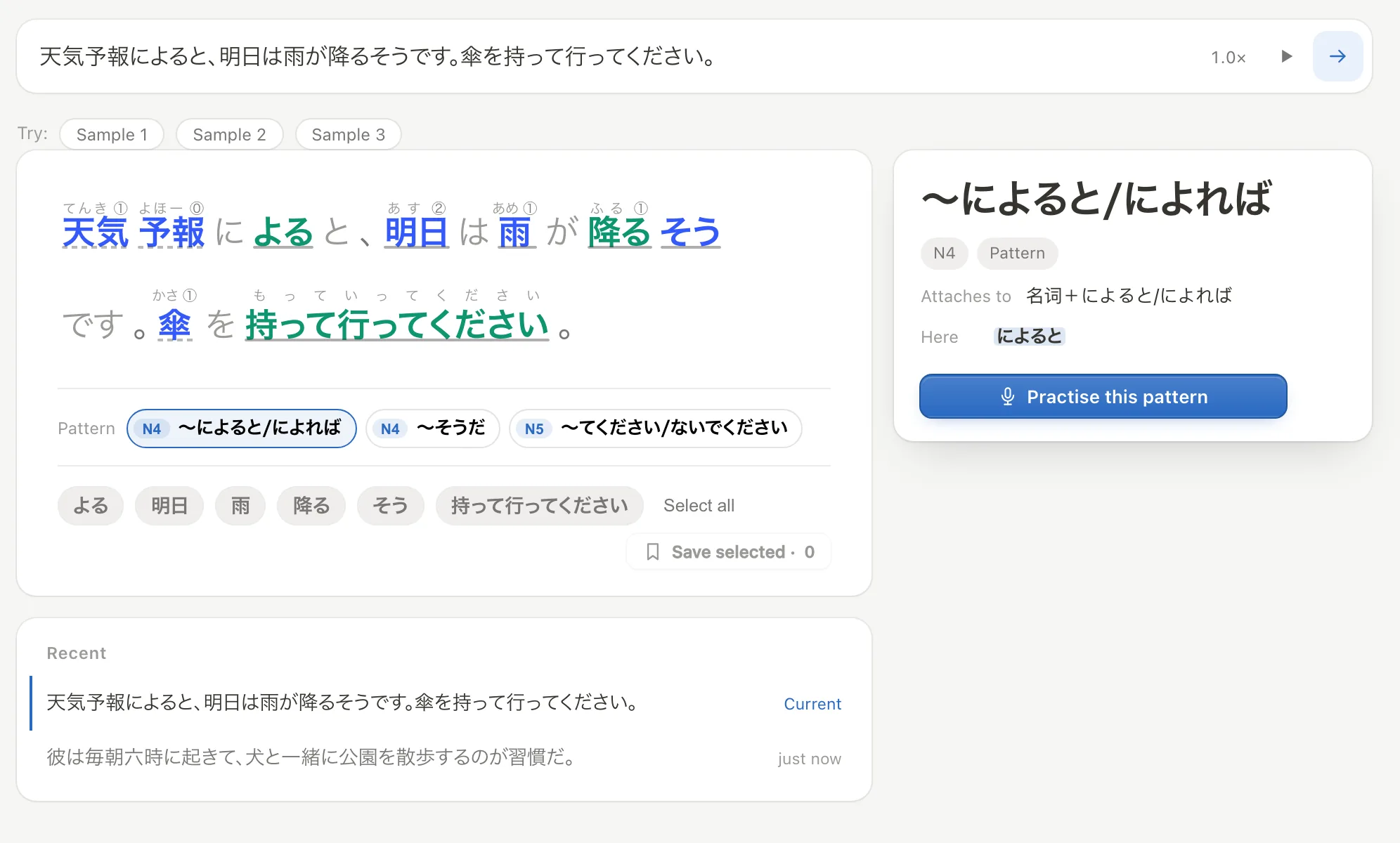
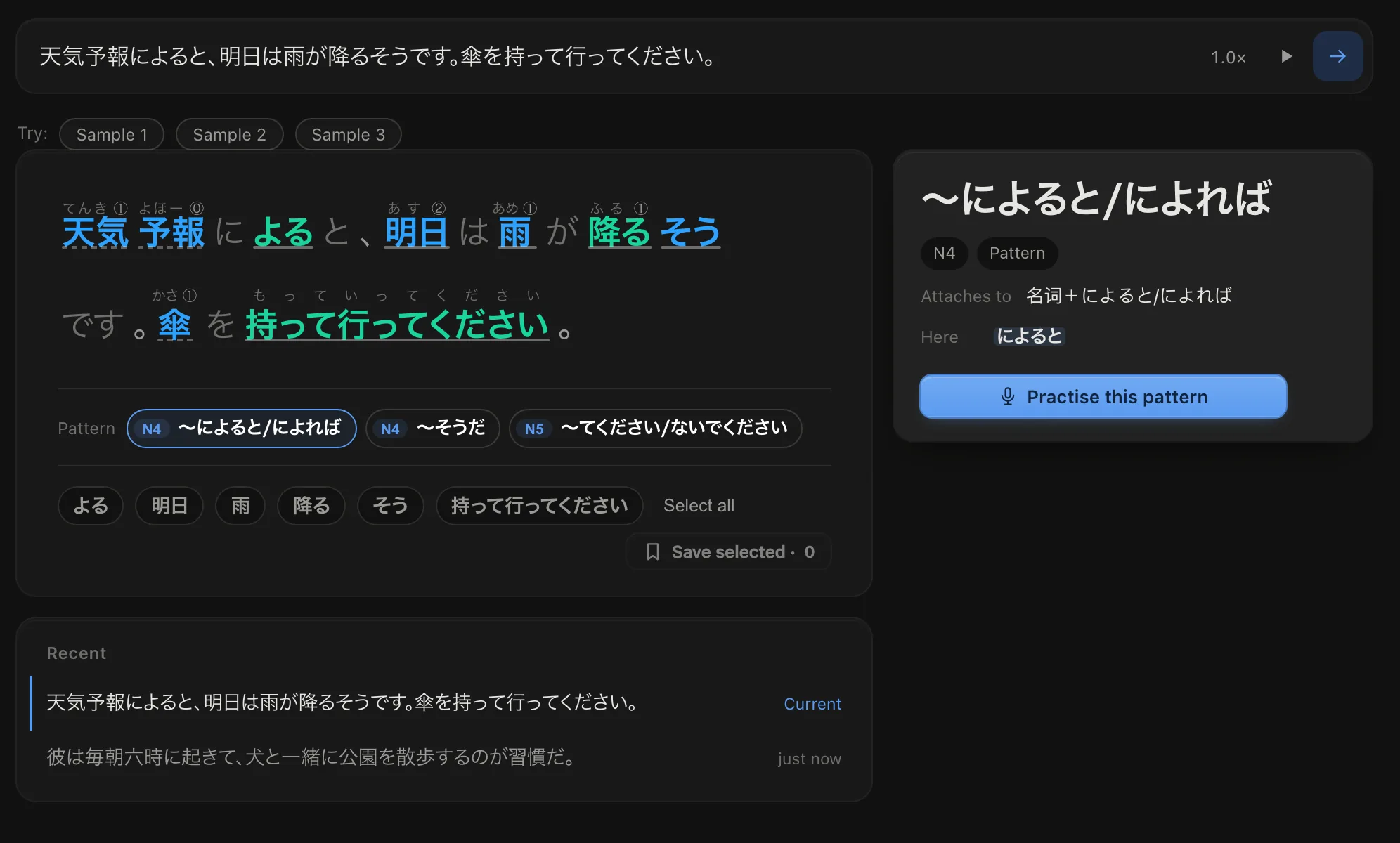
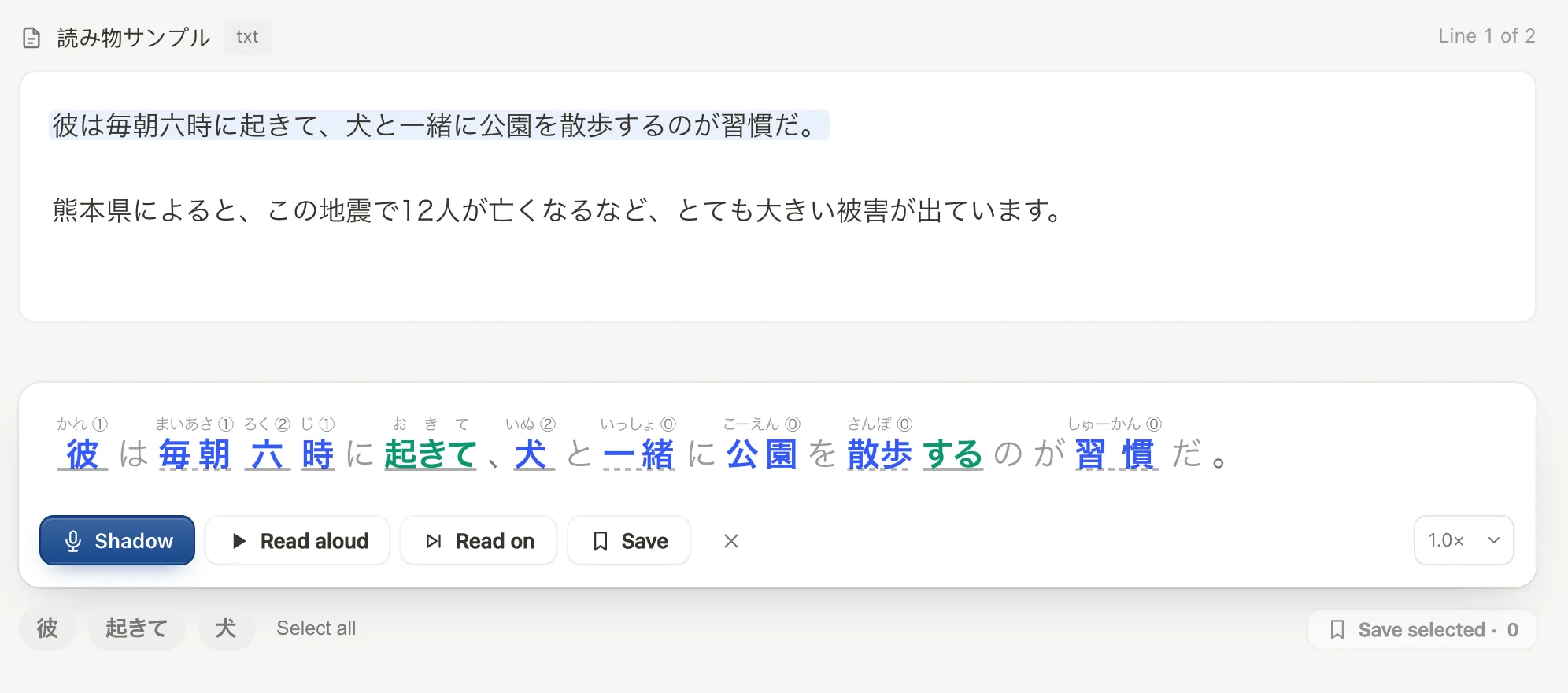
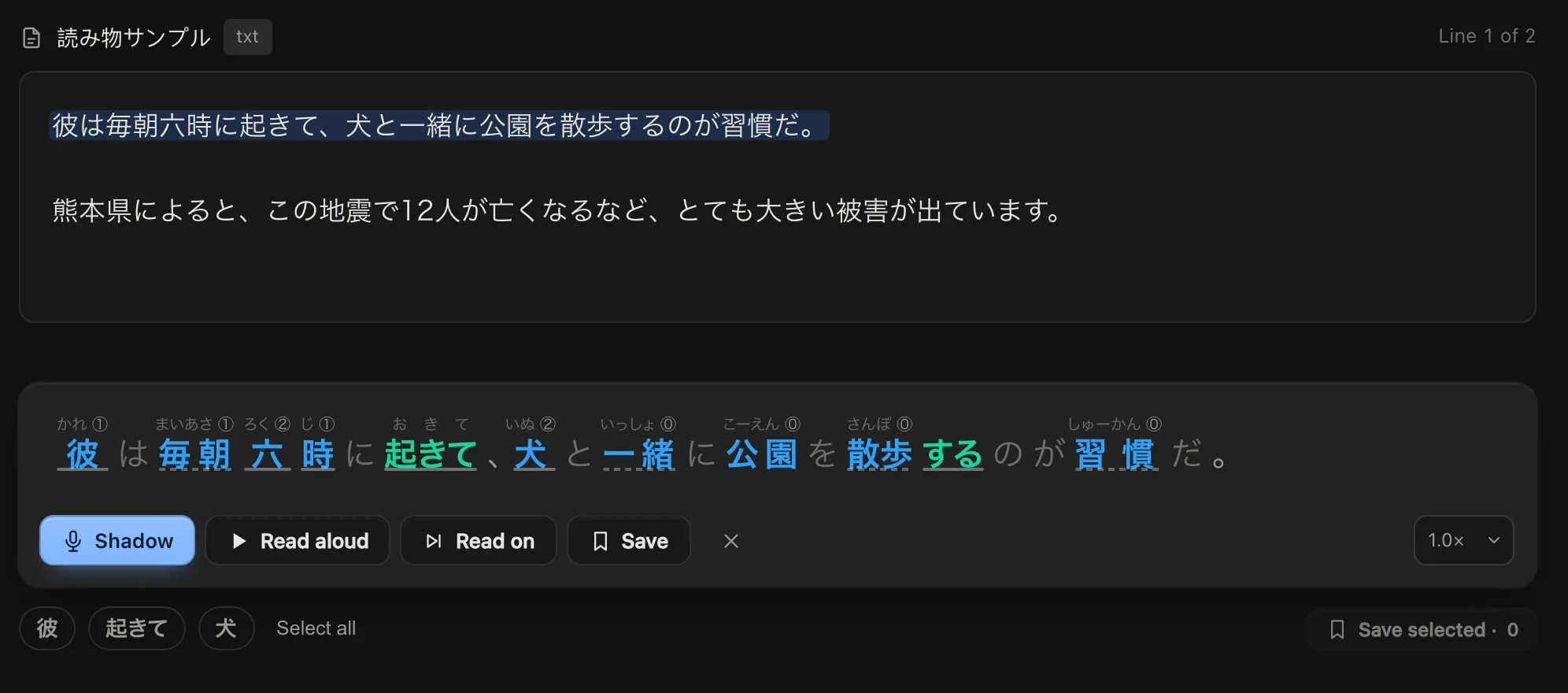
Look up
Readings, pitch accent and grammar, all marked
Click any word for its meaning and forms; click a grammar point in the sentence to practise it.
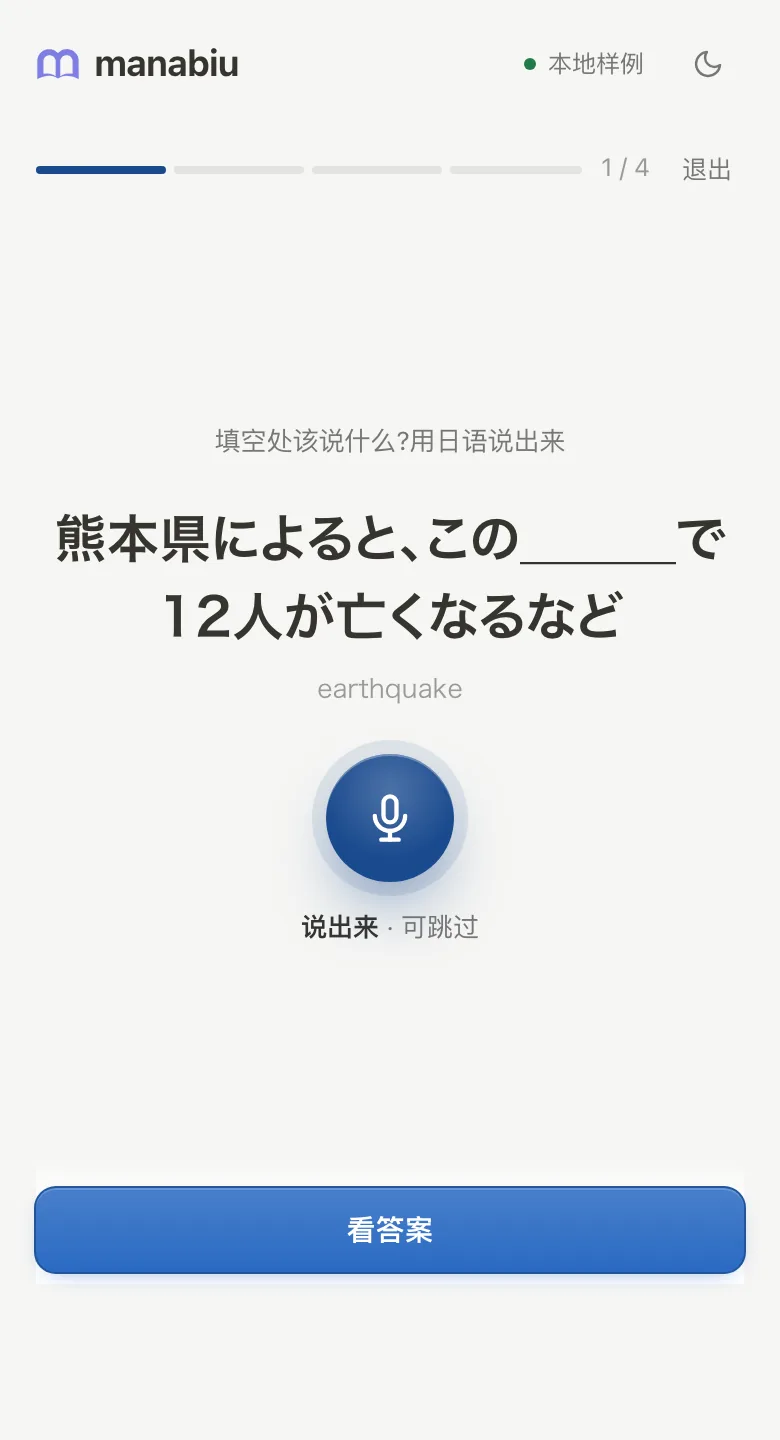
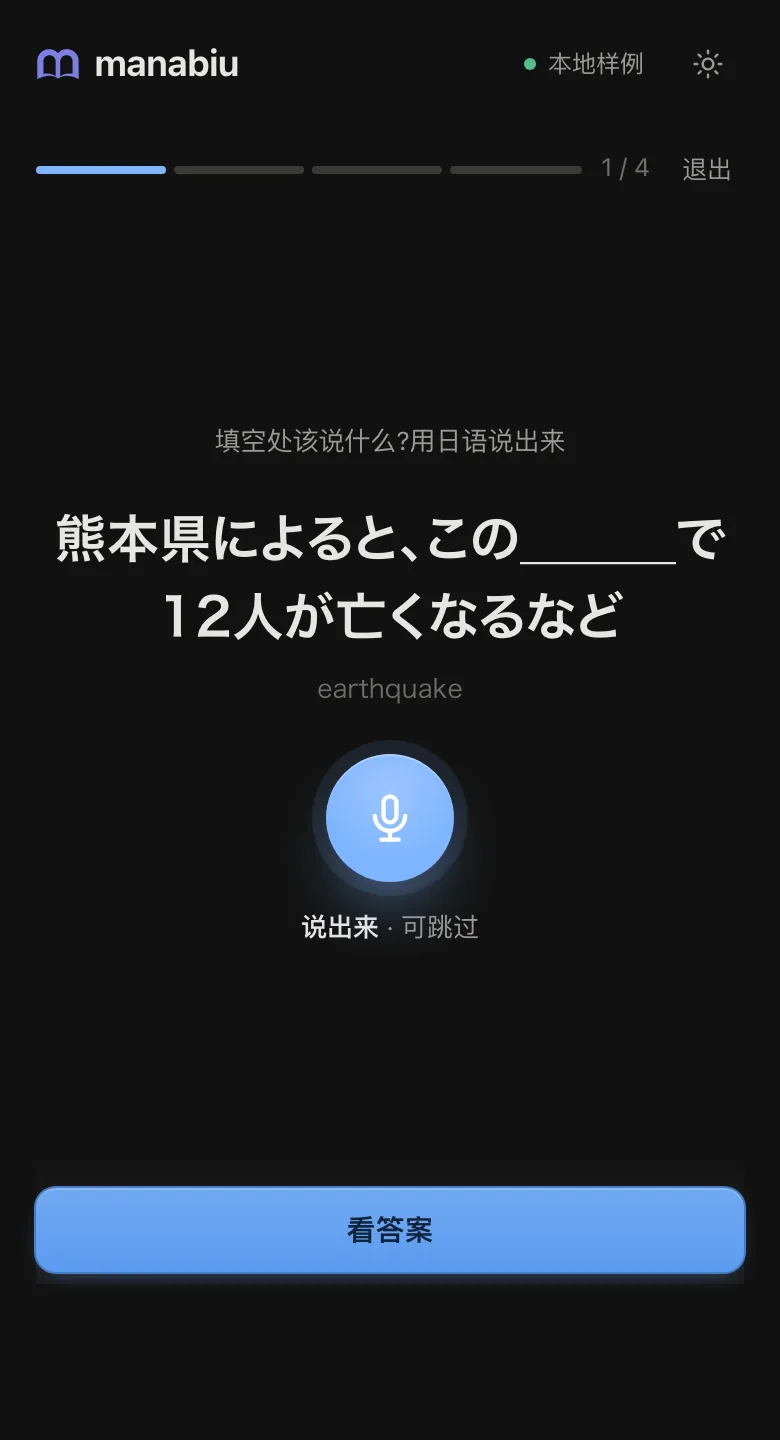
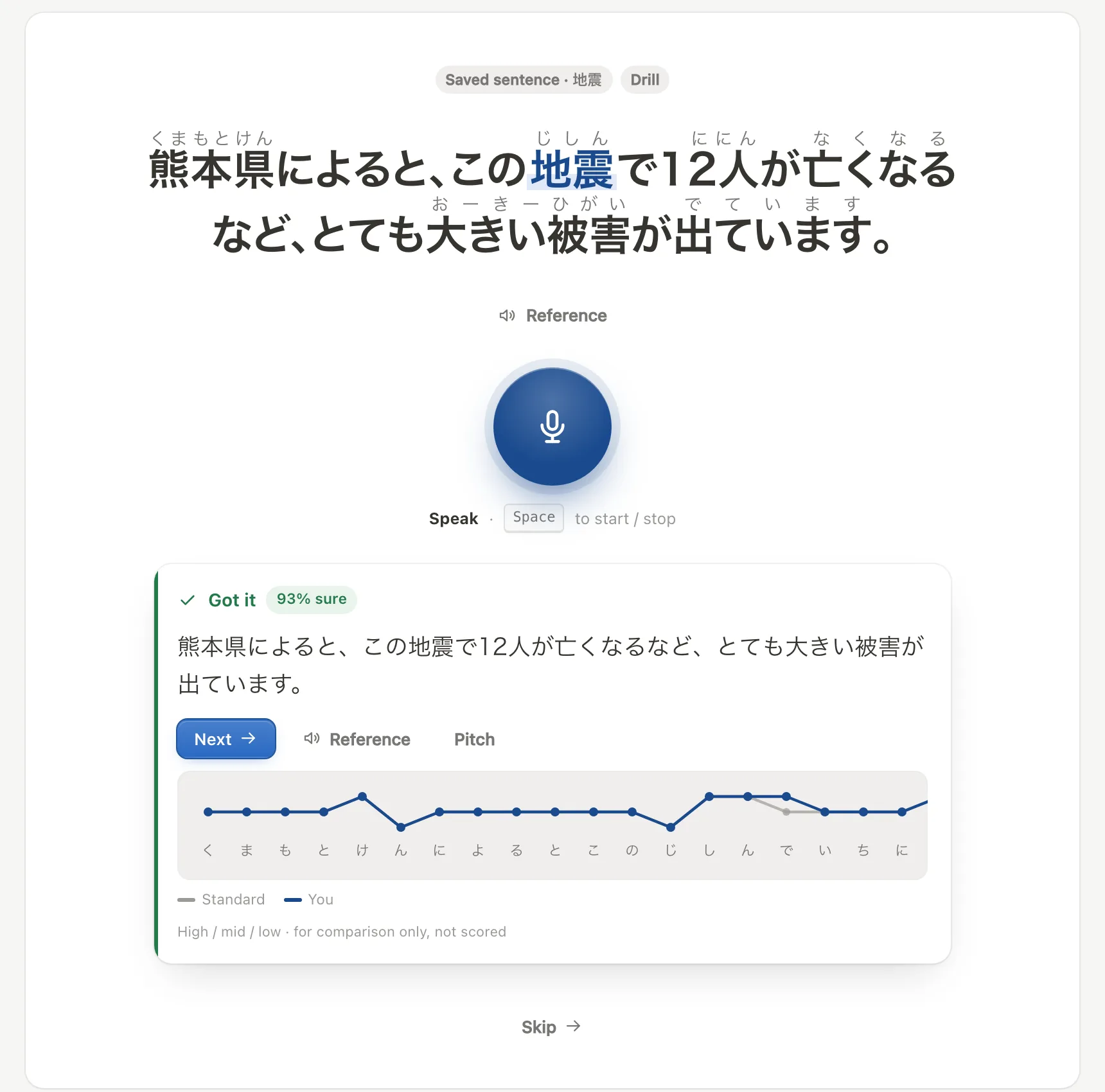
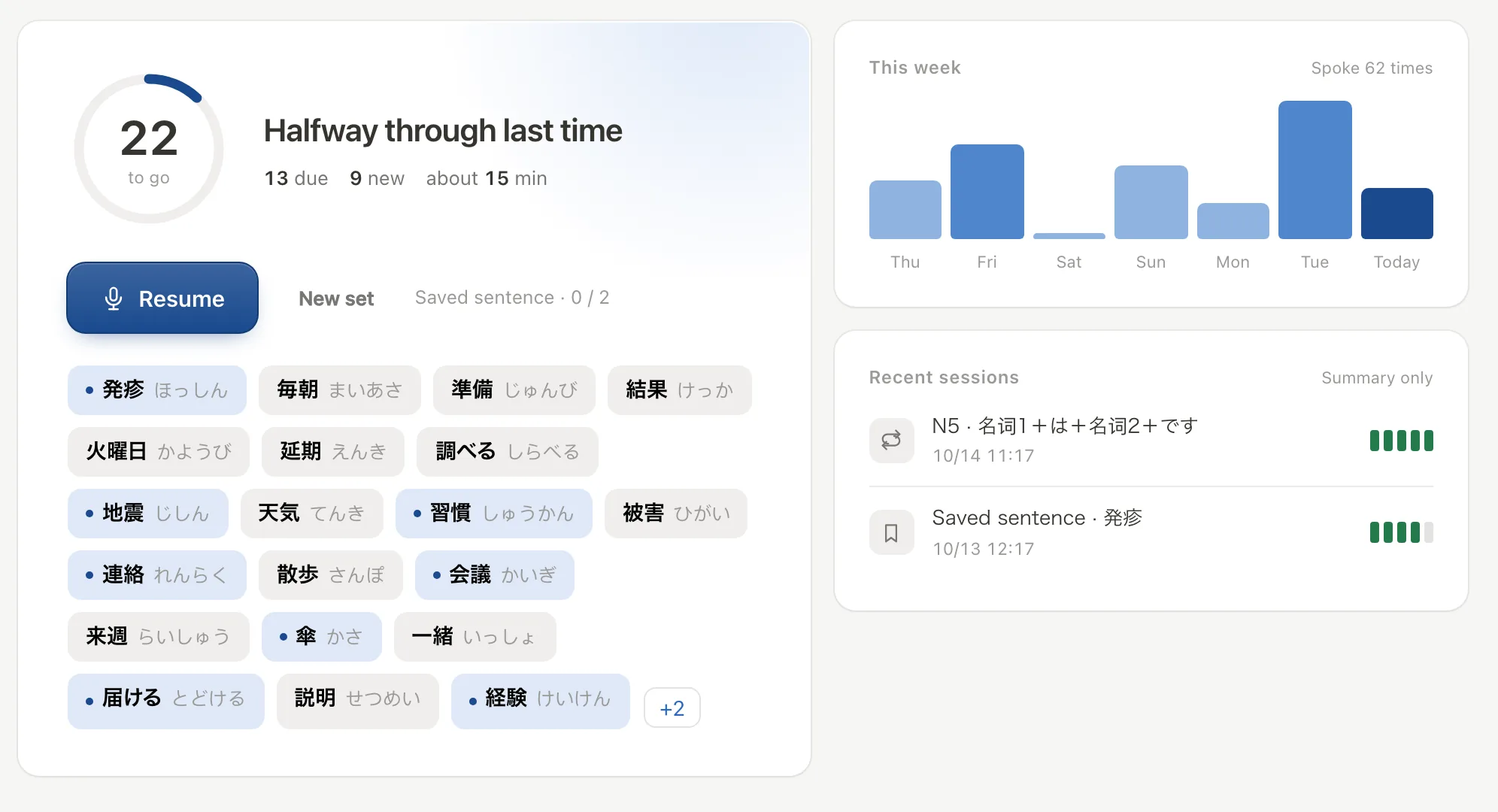
Speaking practice
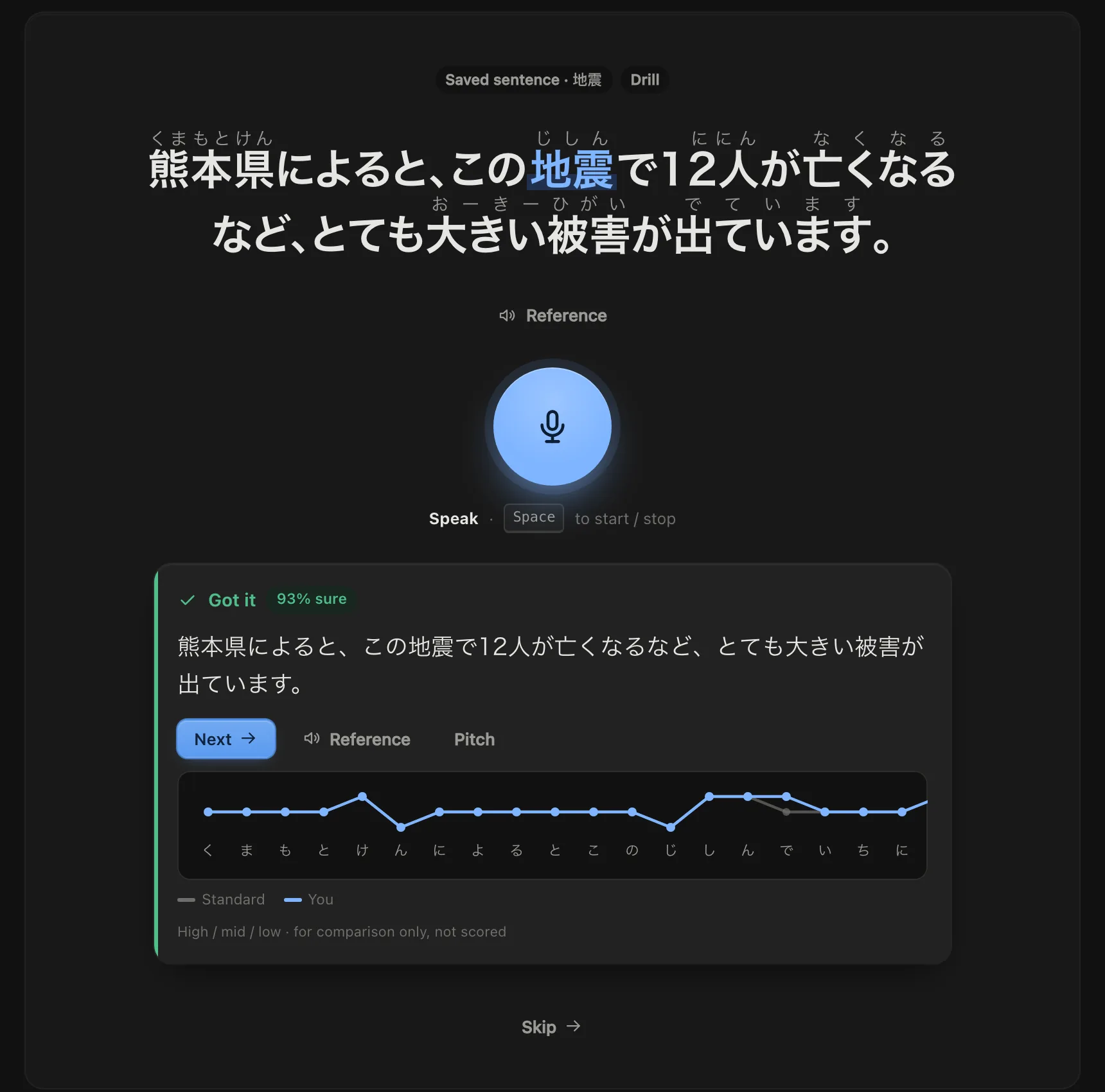
Say it back, and know if you got it right
One try gives a result; when it can't hear clearly, it asks you instead of guessing.
PDF、Word、EPUB dropped in, read aloud and shadowed line by line
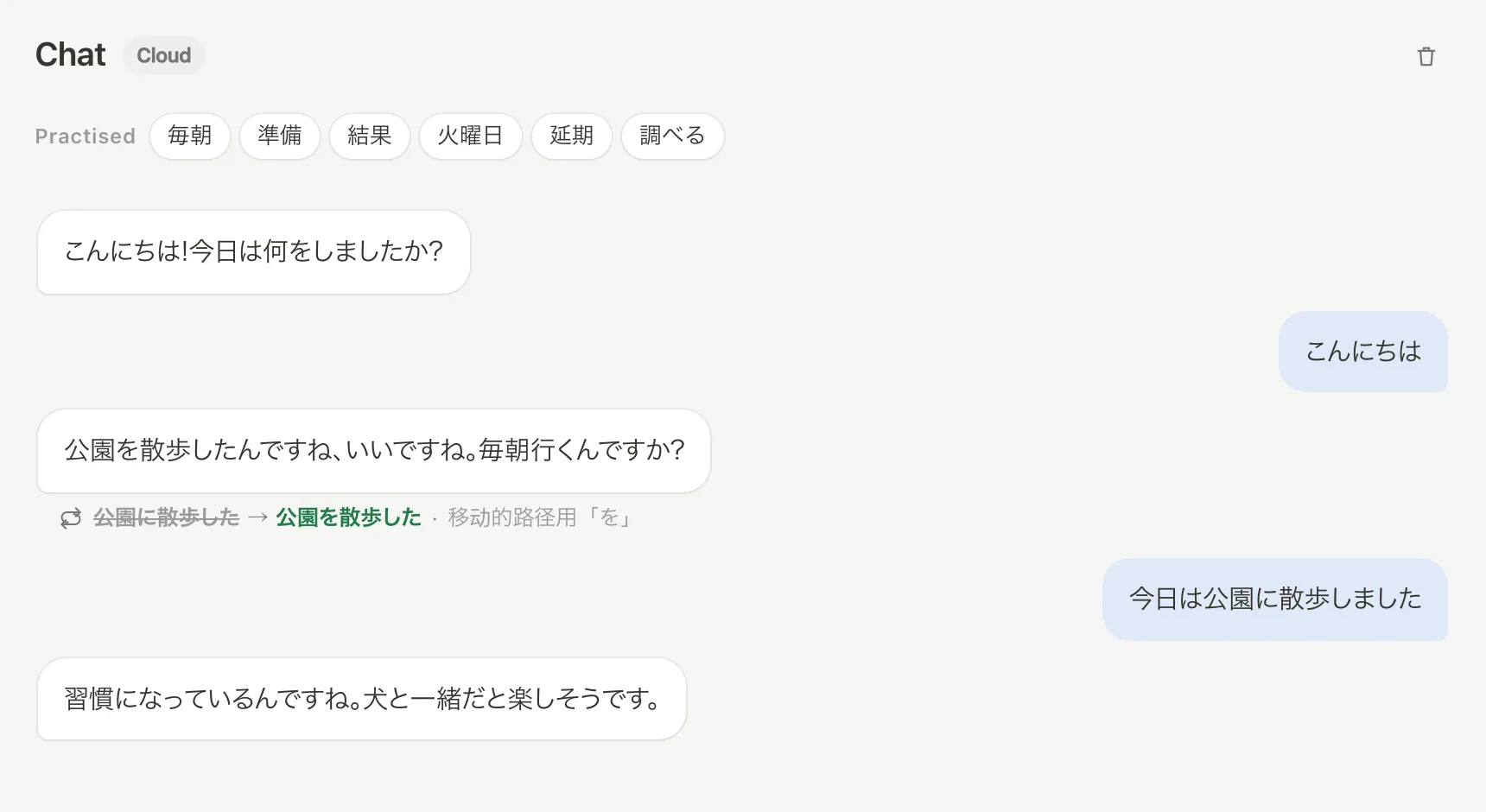
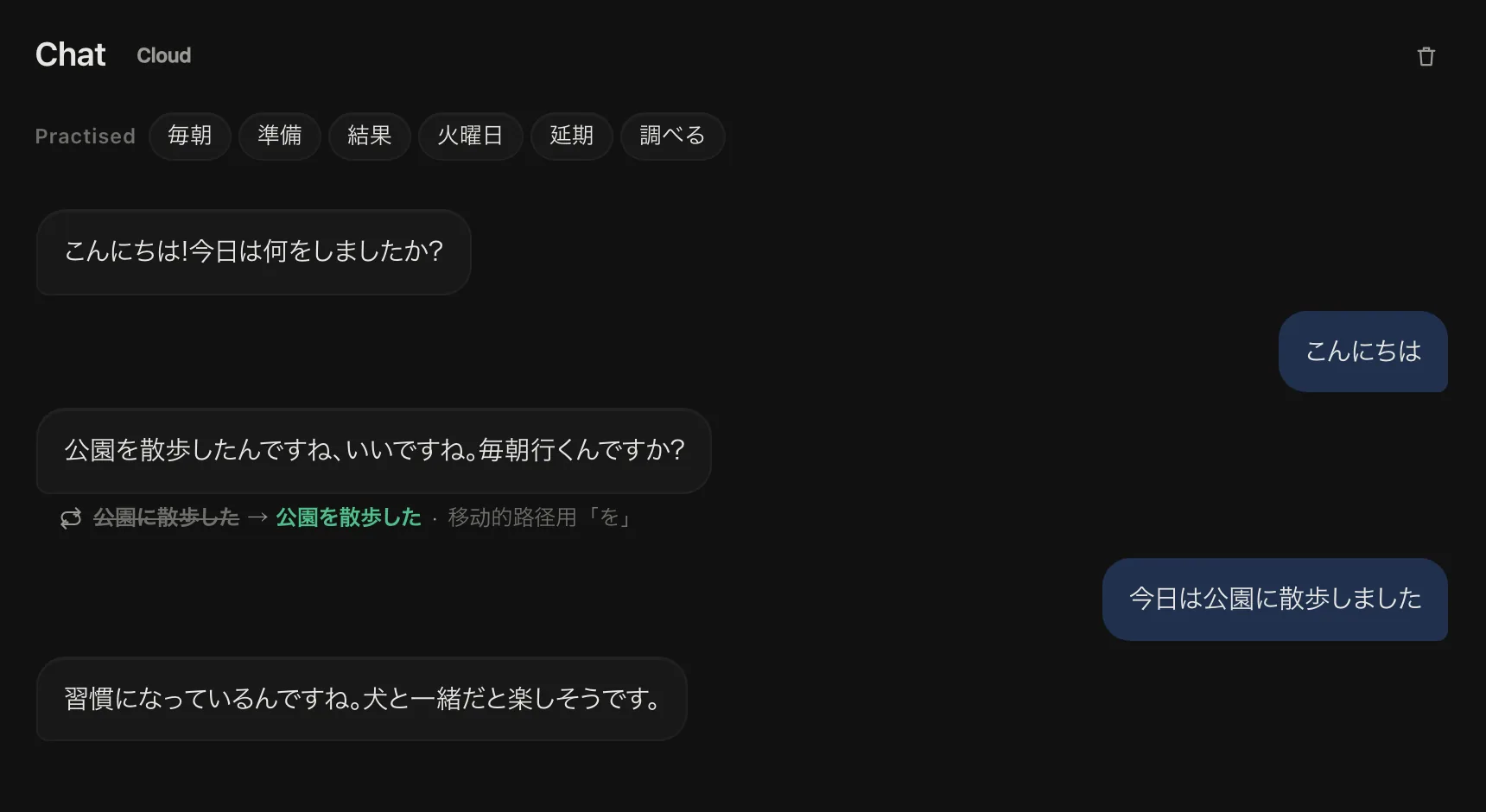
Chat with AI make a mistake and it replies with the right phrasing
Words to review lined up for you every day
Review on your phone just open the web page — no app to installapp.manabiu.com
From shadowing to real conversation
01Listen + shadowHear it in real context, say it back
02DrillsSwap and transform until it's automatic
03Talk about your own lifeUse the pattern to talk about yourself
04Real conversationChat with AI and use it naturally
On your computerCloud AI · shows, never grades
Try it right here
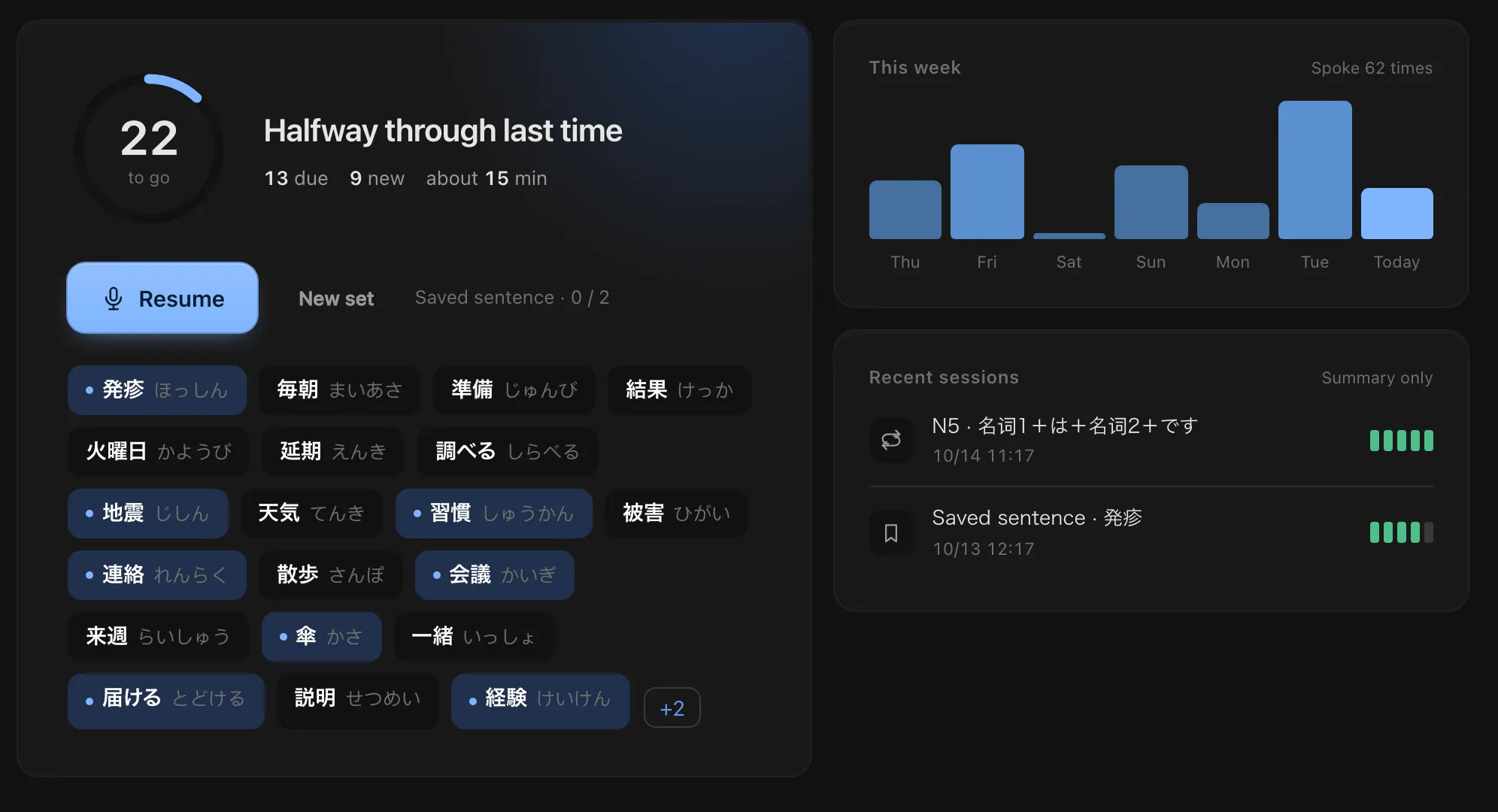
The same interface as the desktop app — readings, definitions and audio are all real.
manabiuDemo
About 300 KB · audio loads when you need it
The demo is a scaled-down desktop window, so it's small on a phone. Turn your phone sideways, or use a computer.
The only staged parts here are the verdict and the pitch curve: judging your pronunciation needs the model on your computer, so the results are pre-set to match the real app.
Read this before buying
Not for complete beginners roughly N4 and up
Not an Anki replacement the word list exists to feed speaking practice
Japanese only, for now English is planned
About 460 MB on first launch then fully offline
AI chat needs your own DeepSeek key everything else works without it
Pitch accent isn't marked right or wrong shows the high/low of each beat as a reference
Pricing
Use it first, pay only if it's worth it. Pay once, no auto-renewal.
Try Pro free for 7 daysClaim it in the app with one click — no sign-up, no card. When it ends you drop back to free and keep everything
The half where you actually speak — free for your first 7 days.
Monthly480JPY≈ CNY 20Try it for a month
Yearly1,980JPY≈ CNY 83≈ 165 JPY a monthCovers a whole term
Forever · early bird7,8004,980JPY≈ CNY 210Every future version included
Prices are in Japanese yen, tax included. Credit card (Apple Pay accepted) / Alipay / WeChat Pay.
Everything in the free version
Unlimited speaking checks — shadowing · drills · talking about your own life
Videos with no subtitles get auto subtitles, no time limit
Phone web app sync
One-to-one support, same-day replies
It runs on your own computer with no cloud costs — that's why it's a one-time purchase and transcription has no time limit.
When a monthly or yearly plan ends you go back to the free version; your words and progress stay exactly as they are. Lifetime is an early-bird price and returns to 7,800 JPY once pitch-accent scoring ships · 7-day no-questions refund.
Windows 10/11 · 64-bit | macOS 12+ · Apple silicon (M1 or later) · downloads about 460 MB of models and dictionaries on first launch.
Mac won't open it the first time?
Open the downloaded dmg, drag manabiu into the Applications folder and open it from there (not from inside the dmg).
If it says the developer can't be verified, click Done, then go to System Settings → Privacy & Security, scroll to the bottom and click Open Anyway.
macOS 14 or earlier: in Applications, right-click manabiu → Open, then click Open again.
You only do this once — after that it opens normally, and updates don't ask again.
The installer is still being prepared — email [email protected] and we'll tell you when it's out.
Want to pay in RMB, or just talk first?
On Xiaohongshu / Xianyu, search manabiu日语工具 to find a reseller — pay in RMB and get your key directly.
Or email [email protected] — questions before buying, a missing key, or more than 3 machines.
Common questions
Does it need the internet? Do my sentences get uploaded?
Look-ups, speaking practice and your word list are all offline. Only AI chat goes online, and it needs your own key. Phone sync is off by default; when on, it syncs only your saved words, their sentences and your progress, and one button wipes it all, cloud copy included.
Which systems does it run on?
Windows and macOS (Apple silicon) are available now; Linux comes next (double-Ctrl capture doesn't work under Wayland).
How much does it download the first time?
About 460 MB (speech scoring, speech synthesis, dictionaries), downloaded on first launch, then everything is offline. The transcription model is about 130 MB and only downloads when you use it.
How is this different from Yomitan + Anki?
They've perfected “look up + remember”; manabiu does the second half: pushing what you remember until you can say it.
Can I use it on my phone?
There's a phone web app for reviews that works offline. Speaking practice is on the computer — scoring runs a local model.
Why doesn't it mark pitch right or wrong?
A verdict we can't make reliably is worse than none. For now it shows the high/low of each beat as a reference.
Contact
Questions before buying, a missing activation code, or something not working right — get in touch.
 manabiu